Identity and location
River and section name, region, difficulty, verified access overview, and the specific run represented.
River discovery by section
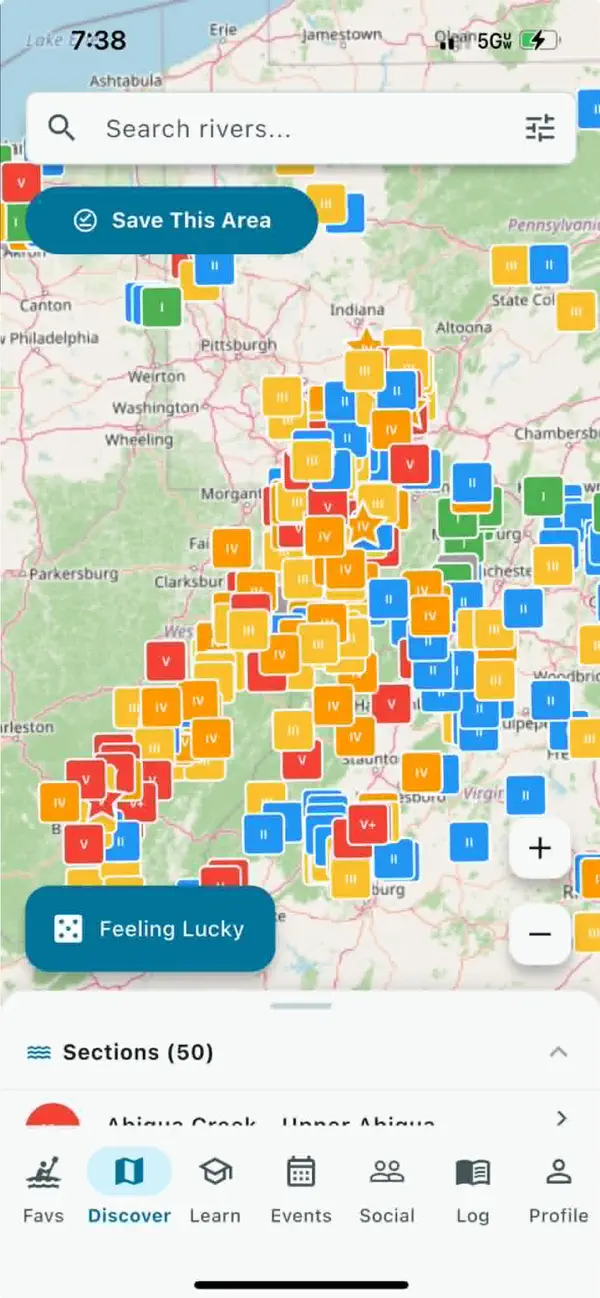
Start from the map, filter for the day, and inspect the specific run. River People connects section discovery to available gauge context, difficulty, access, rapids, hazards, weather, releases, and community updates.
Map-first browsing
A single river can contain many sections with different access, difficulty, gradients, gauge relationships, hazards, and consequences. River People organizes discovery around those sections.
A useful section profile
River People organizes each run around practical section details that help paddlers understand the place before making a plan.
River and section name, region, difficulty, verified access overview, and the specific run represented.
Gauge reading, unit, observation time, trend, section relationship, runnable-range explanation, forecast, or release information where available.
Current access notes, rapids, reported hazards, relevant community observations, and a clear last-reviewed time.
Search beyond the river name
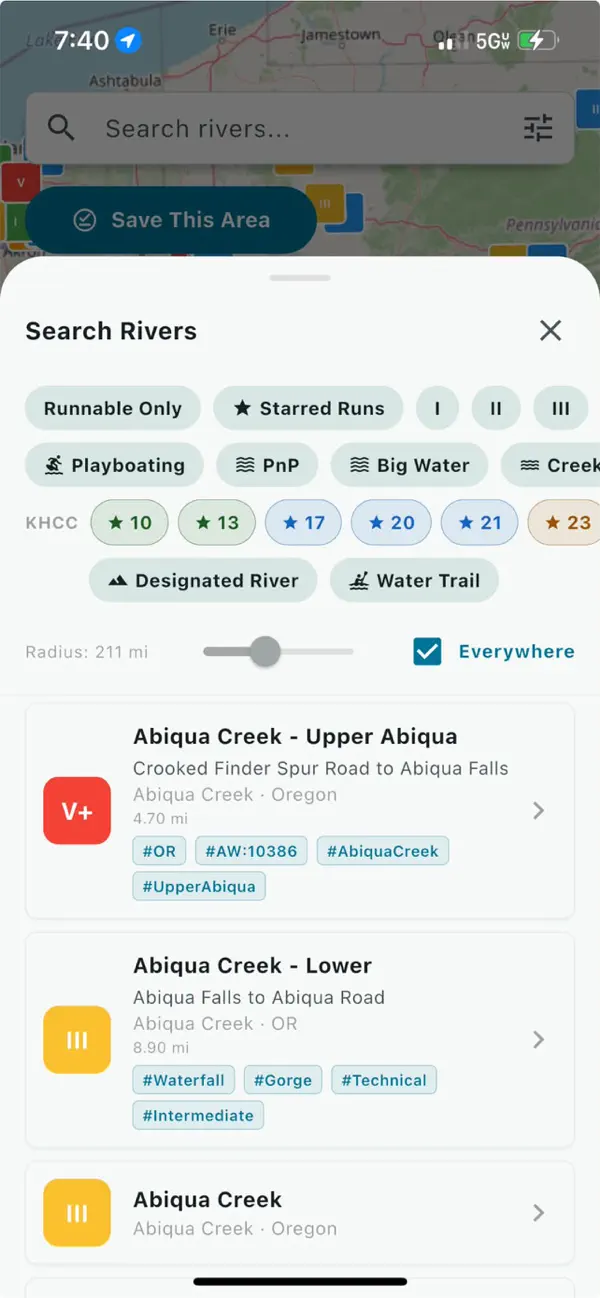
River People's Search Rivers panel can narrow the map by runnable status, favorites, difficulty classes, river characteristics, and location. The results remain a planning shortlist - not an automated recommendation to paddle.
Open the section, check the latest available reading, recent hazards, and access, then compare the run with every paddler's skills and equipment.
Before committing to the drive
Use the section page to orient the crew, then confirm the changing details that remain outside any app.
Match the river and section name with the intended put-in, take-out, difficulty, and route.
Review the latest available conditions, weather, hazards, access notes, and release information.
Compare the run with current skills, equipment, daylight, temperature, remoteness, and rescue consequences.
A mapped or favorably labeled river can still contain unreported hazards, changed access, dangerous weather, cold water, rapidly changing flows, or consequences beyond the group. Verify current conditions and make an independent paddling decision.
Search the River People map, narrow the possibilities, inspect the available context, and confirm the plan with current local information.