Apple Watch
Paddle workout control, available GPS and fitness metrics, synchronization, and phone review.
Leave the phone secured
Use River People companion flows to control or record a paddling session at your wrist, then transfer it to the phone for section confirmation, details, privacy review, and final saving.
Coming with the 2.1 rollout
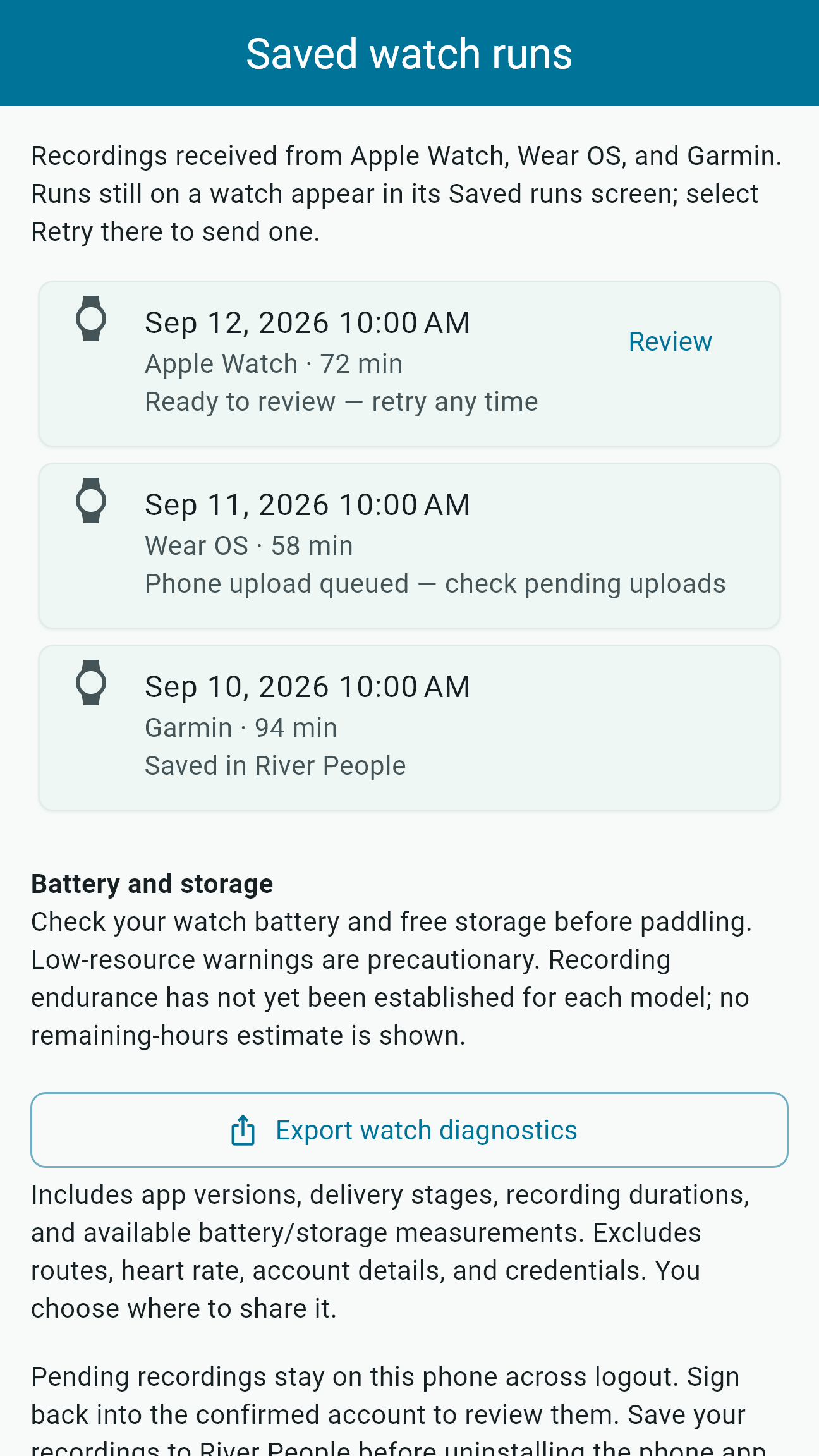
Use Saved runs on your watch to find retained recordings and retry a transfer. On the phone, open Saved watch runs to see received recordings, review them, and follow queued-upload or saved status.
Choose the recording device before starting. Reconnecting does not turn a phone recording into a second watch recording. Save and sync your runs before uninstalling or replacing devices.
Apple Watch requires watchOS 10 or later and the iPhone companion. Wear OS requires a compatible watch and the Android companion. Garmin compatibility is listed in Connect IQ. Endurance varies by device and conditions.
One review flow, three ecosystems
River People supports a common start, record, end, transfer, and phone-review concept while adapting to the capabilities of each watch platform.
Paddle workout control, available GPS and fitness metrics, synchronization, and phone review.
Control the phone or record locally on a compatible watch, then transfer the run for phone review and saving.
Direct Connect IQ recording and companion transfer for supported devices, followed by phone review.
River People supports recording and phone review across Apple Watch, Wear OS, and selected Garmin Connect IQ watches. The practical flow is consistent: begin a paddling session, record available time, distance, location, and related metrics, end the session, transfer it to the phone, then review before saving.
Exact metrics and controls vary by platform, device model, permissions, sensors, battery state, and phone connectivity. The phone remains the authoritative place to authenticate, confirm the river section, edit details, set visibility, and save the final run.
The Apple Watch companion can start and control a paddle workout and collect available duration, distance, speed, GPS route, and start and end times. With permission, active energy can be read to estimate calories for the run.
Health and fitness data is used to record, summarize, synchronize, and display the paddling session. River People does not sell health or fitness data or use it for advertising. Apple permissions remain under the user's control.
The Wear OS companion supports local recording when the phone is temporarily unreachable. It is configured as a paired companion rather than a fully standalone account experience: authentication and final River People review and saving still require the phone.
After reconnecting, allow time for the recording to transfer and confirm the imported session on the phone. A locally completed watch session should not be considered safely stored in the River People account until review and synchronization finish.
River People includes a Garmin Connect IQ device app and Android and iOS companion bridges for selected compatible watches. Garmin sessions follow the same phone-review principle while respecting device route-size and synchronization constraints. The Connect IQ listing includes Forerunner 265 and 970, selected Instinct 3 models, Venu 3 and 3S, and Venu X1. Check the listing for your exact model and current release availability.
This direct Connect IQ companion flow is different from linking a Garmin Connect account. Automatic activity imports from a Garmin Connect account are not currently available. Compatibility also depends on the installed companion software, so confirm current support before relying on a specific model for a trip.
Watch GPS can lose accuracy in steep canyons, dense forest, or poor satellite geometry. Battery restrictions, accidental stops, permission changes, a watch restart, or an interrupted transfer can affect the session.
Check battery and permissions before launching, start recording from a safe location, confirm the timer is active, and review the imported route afterward. Keep another way to track time and location when those details are important to the group plan.
A watch-recorded route can reveal access points, schedules, home locations, and sensitive waterways. Review the section match, media, notes, health-related metrics, and audience on the phone before saving.
For details about location, workout, retention, and deletion behavior, read the River People Privacy Policy.
Wearable recording does not provide guaranteed navigation, communication, or emergency response. Device availability, compatibility, transfer, battery life, and GPS accuracy can fail. Carry safety and communication equipment appropriate to the river and group.
Keep the device interaction simple on the water, then add the context and visibility choices that make the run useful later.
Version 2.1 preview
Native app screens captured on simulators. These short tours show ready, recording, and paused states. Store rollout is pending.
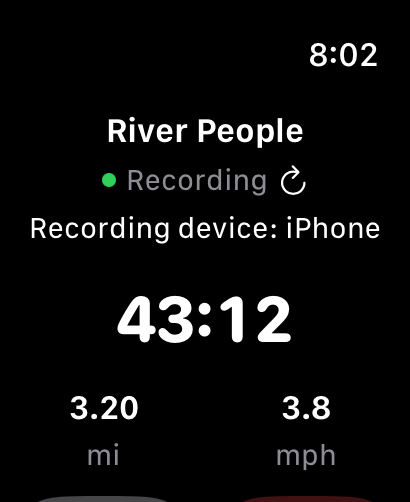
Current watch interface with a demonstration recording. Phone pairing and device capabilities vary.
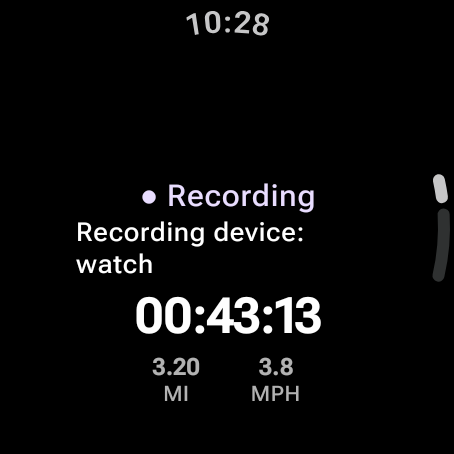
Current watch interface with a demonstration recording. Phone pairing and device capabilities vary.
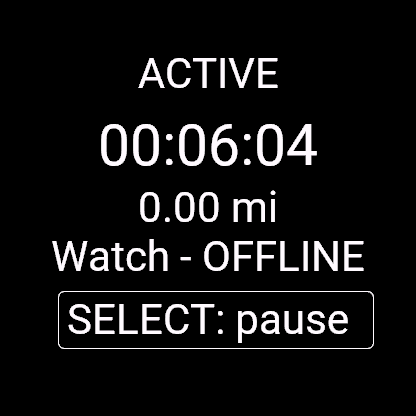
Current watch interface with a demonstration recording. Phone pairing and device capabilities vary.